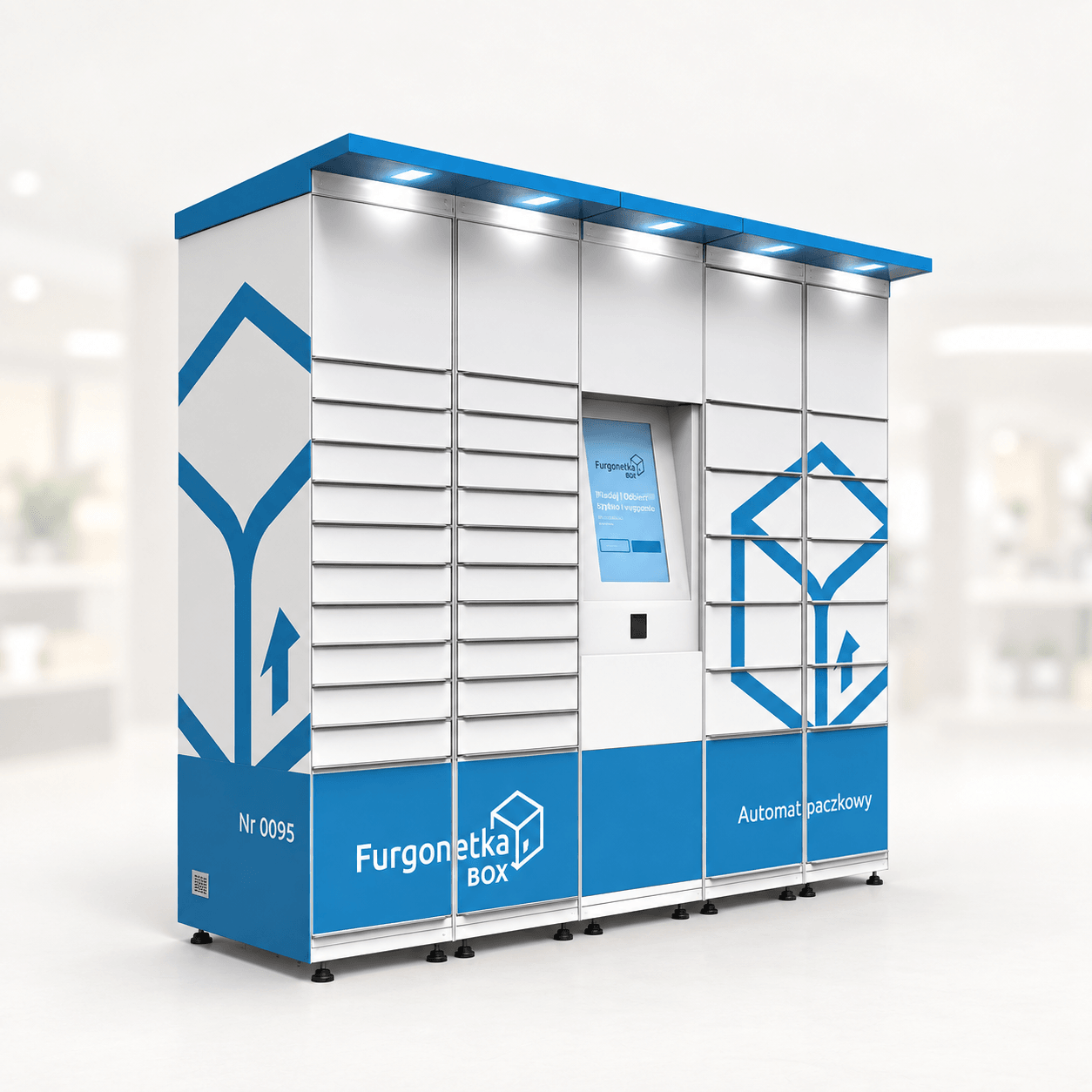
How an order reaches the customer
- The customer chooses products and a collection point online.
- The seller receives the order, prepares the goods and places them in a suitable compartment.
- Once the goods are loaded, the customer receives a ready-for-collection message and instructions.
- The customer collects within the agreed time limit.
Payment, collection by PIN or QR code and automatic notifications depend on the selected solution. These functions are checked and agreed before integration. The ready message should only be sent once the goods are actually in the machine.
Examples for florists, bakeries and farms
A florist: customers order bouquets ahead and collect after closing time. The flower machine is selected to suit the bouquets and the installation site.
A bakery or cake shop: an order is prepared for an agreed time, so the customer can collect without waiting at the counter. Bakery and confectionery products need storage conditions suited to each item.
A farm: the seller prepares orders and brings them to a convenient collection point. For farm produce, decide on packaging and a loading schedule in advance.
Advance orders are not restricted to the separate Click & Collect category. That term describes how customers receive their purchases; a Pro-series machine is chosen to suit your products.
Can an existing online shop be connected?
Start by sharing the shop’s web address and platform name, if you know it. An example of how you currently receive an order and manage stock is useful too.
A software interface, called an API, connects the website and machine so that they can exchange data and commands. Before estimating the work, the developer needs to check which actions the chosen model and shop support. A ready-made connection to every platform should not be assumed.
If you do not have a shop yet, describe your products, collection points and preferred ordering process. A separate mobile app is a development project of its own. You can discuss whether it is useful once the main ordering process is clear.
What happens before launch?
From you: the product range, an existing shop link if available, a proposed collection point and details of who prepares and loads orders.
With PremiumVend: choose the equipment and agree what the website and machine need to do. The quote should specify the integration work, price, schedule and support after launch.
Before opening: complete a test order from online checkout to opening the right compartment and checking the order status. This checks the whole process, rather than individual screens.
What about exceptions?
Before launch, set a customer contact and agree what happens with cancellations, late collection, unavailable compartments or a connection failure. Some situations need a member of staff rather than an automated response.
The owner sets the collection and returns process. The integration provider should demonstrate how the system supports those rules and where a manual step is needed. The exact arrangement depends on the model and sales process.
For equipment, site and service costs, read our startup budget guide.